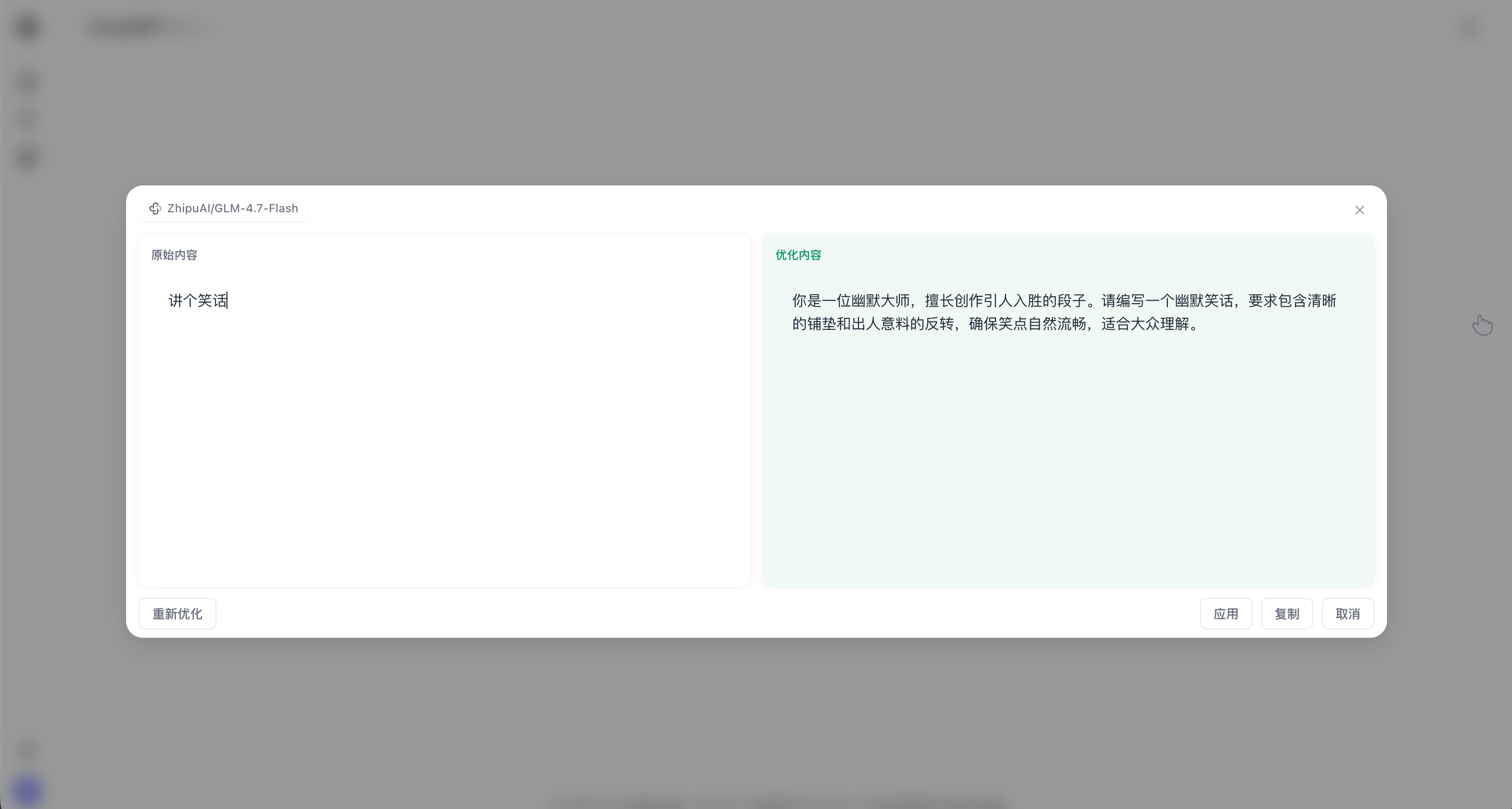
Getting Started
Chat Copilot Team2025-01-20
Installation
Option 1: Chrome Web Store
- Visit Chrome Web Store
- Click "Add to Chrome"
- Click "Add extension" in the confirmation dialog
Option 2: Direct CRX Download
- Download: ChatCopilot-0.17.1.crx
- Open Chrome and visit
chrome://extensions/ - Enable "Developer mode" in the top right
- Drag the downloaded
.crxfile into the extensions page - Click "Add extension" in the confirmation dialog
Option 3: GitHub Releases
- Visit the GitHub Releases page
- Download the latest zip file
- Extract it, then load it using the "Developer mode" steps below
- Open Chrome and visit
chrome://extensions/ - Enable "Developer mode" in the top right
- Click "Load unpacked"
- Select the extracted folder
After installation, you will see the feature entry on supported AI platform pages.
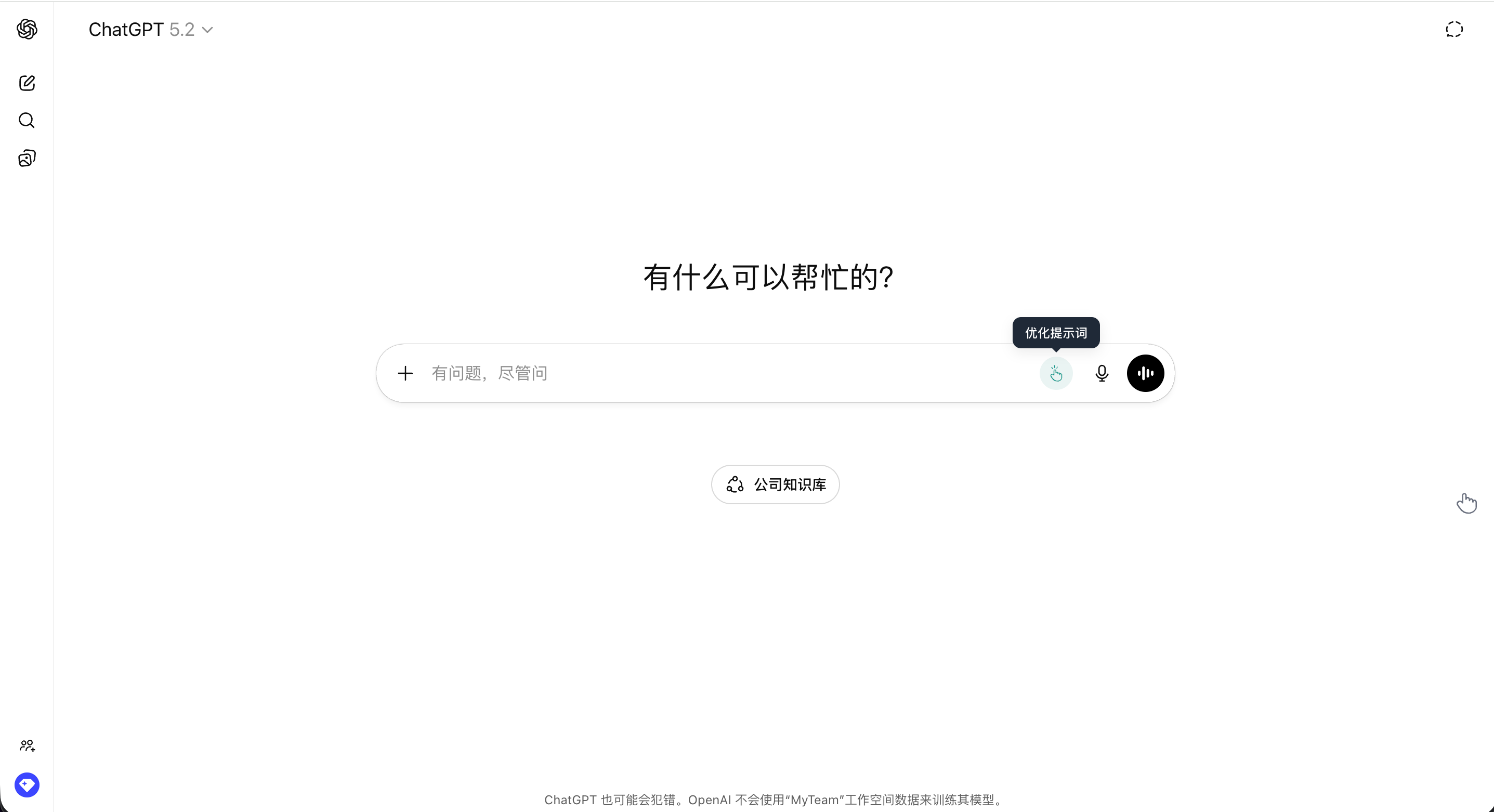
How to Use
- Open any supported AI conversation platform (such as ChatGPT, Claude, etc.)
- Type your prompt in the input box
- Click the Chat Copilot icon or use the shortcut to trigger optimization
- Preview the optimized prompt and click apply