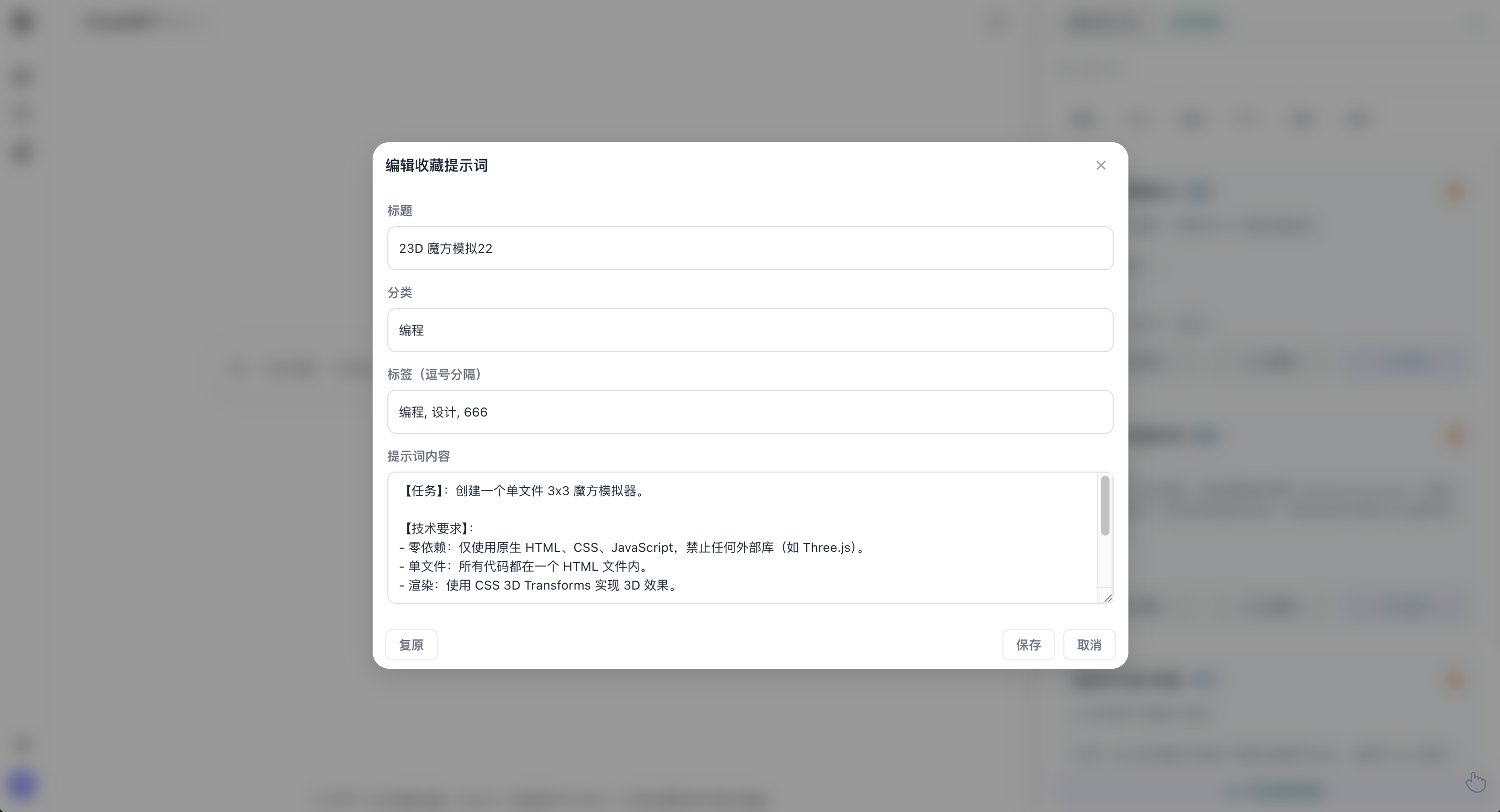
My Favorites
Chat Copilot Team2025-01-20
Overview
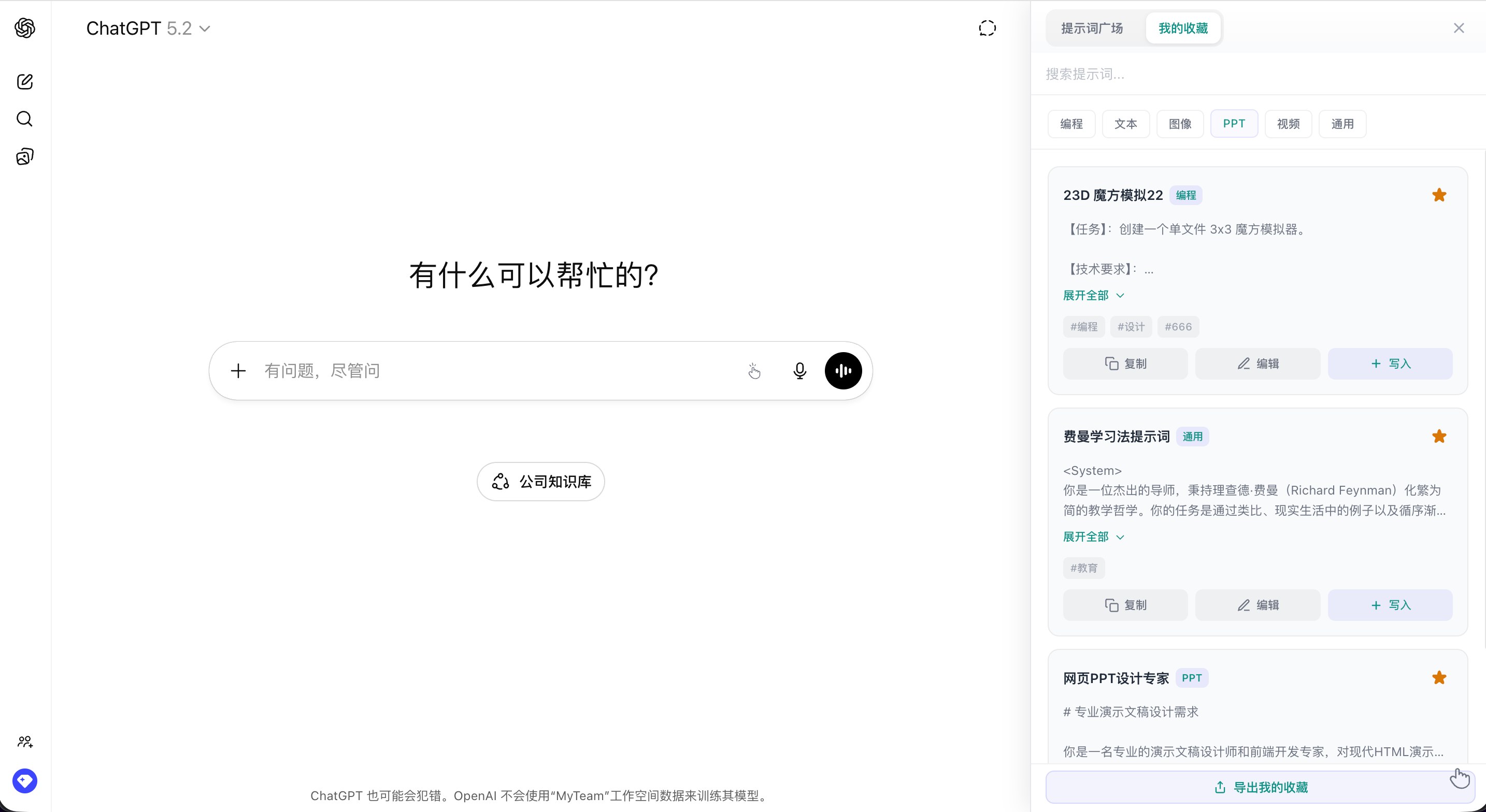
My Favorites helps you manage saved prompts. It supports search, filters, editing, and one-click insert.
Entry
- Open a supported platform page
- Open the sidebar via the floating button or plugin panel
- Select the "My Favorites" tab
Common Actions
- Search prompts: use the search box to find items
- Filter by category: Programming / Text / Image / PPT / Video / General
- Manage favorites: click the star to remove from favorites
- One-click insert: click "Insert" to fill the input box
- Copy content: click "Copy" to copy the prompt
- Edit favorites: click "Edit" to open the editor
- Export favorites: click "Export My Favorites" at the bottom
Edit Favorites
Edit title, category, tags, and prompt content in the modal.